Observability becomes both harder and critically important when moving from running small pipelines on laptops to running big pipelines in the cloud.
For example, while a pipeline is running, how do you figure out:
- What's running right now?
- Is it stuck?
- What's happening right now? Are there critical warnings?
- Did a task actually succeed?
To make monitoring and observability easier, we added log and activity metric collection to FlowDeploy.
Pipeline tasks (What's running right now?)
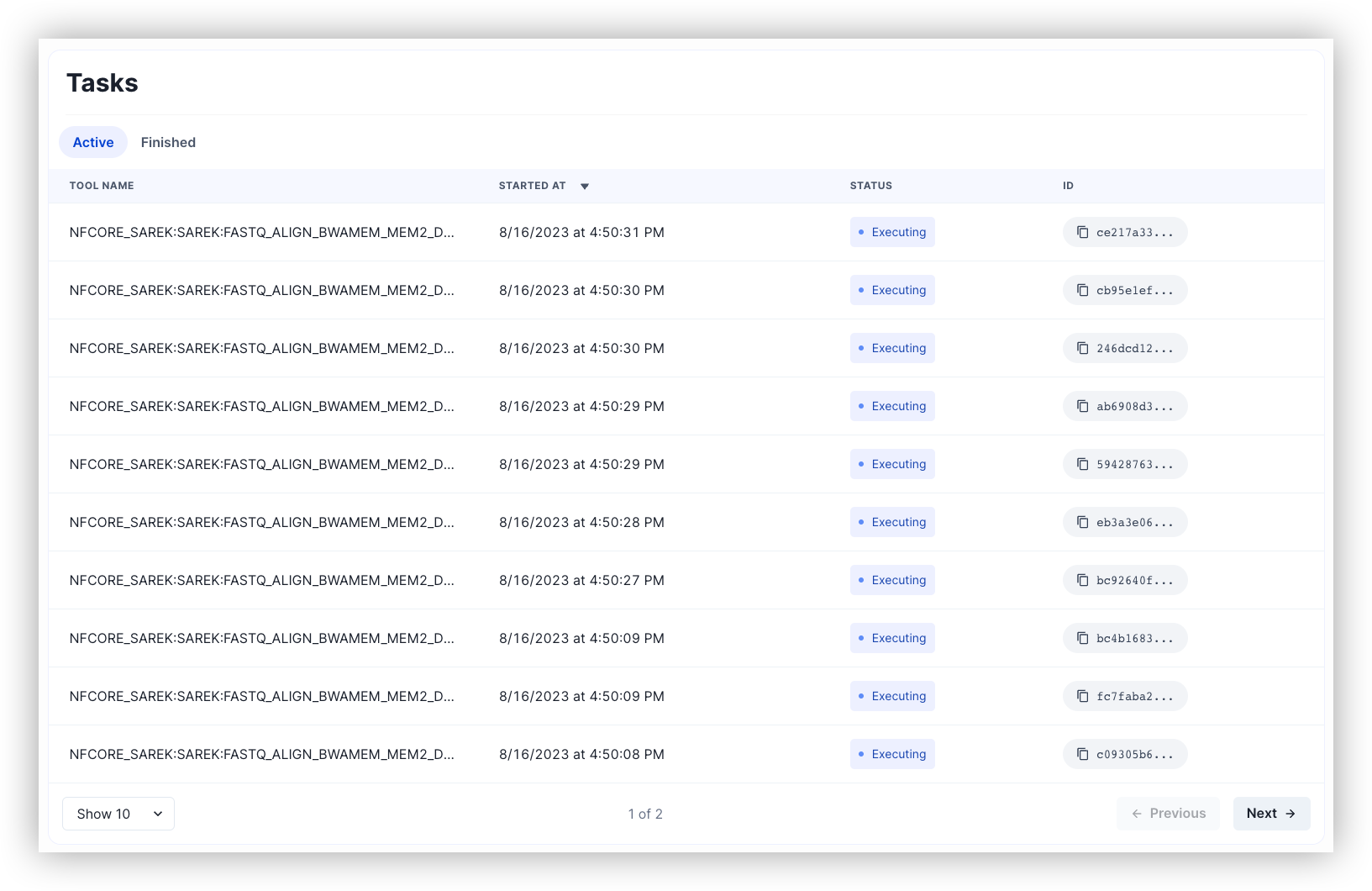
View all tasks for the run, and view the details of any task.
Activity monitor (Is it stuck?)

Check how a task uses resources with an activity monitor that shows both CPU and memory usage for the past fifteen minutes.
Live logs (What's happening right now?)
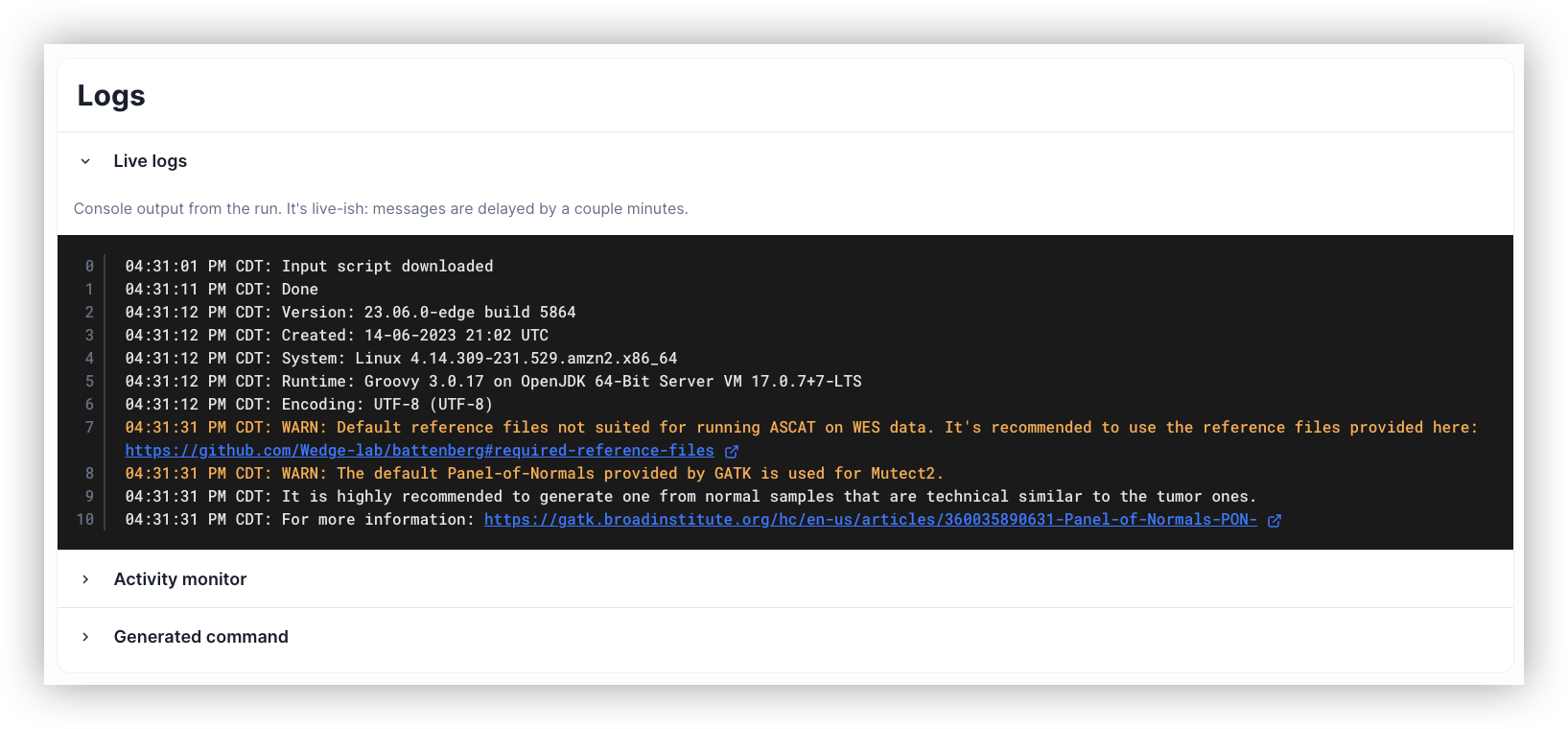
View raw logs live, for the base Nextflow orchestrator and all parallel tasks.
Task log files (Did this step actually succeed?)
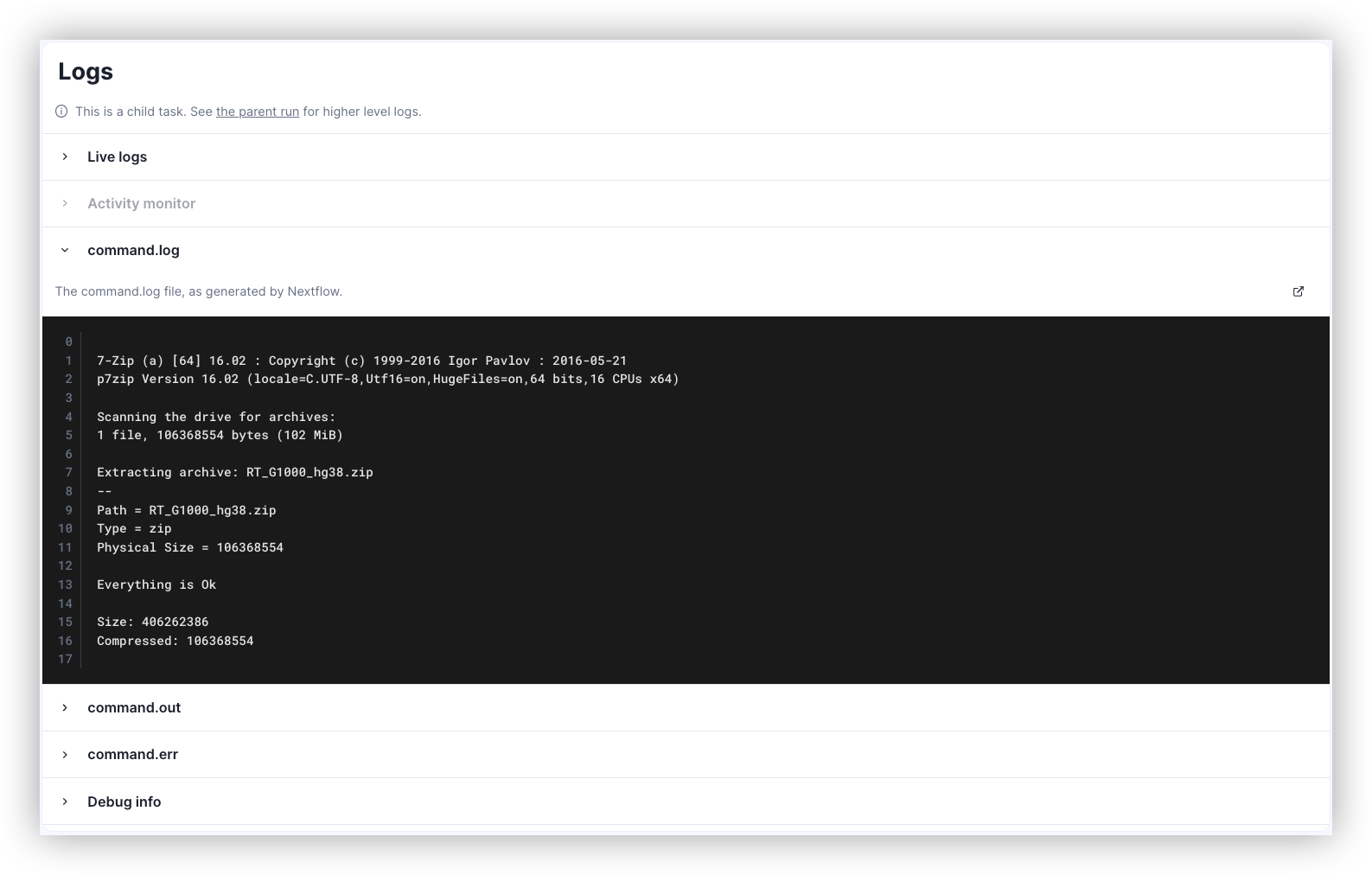
Check the output of completed tasks from within the FlowDeploy app, even while the pipeline is still running.